Welcome to the future of personal productivity, right here at Minava.org! Think about all those small, repetitive tasks that eat up your day. Checking data, sending weekly summaries, formatting emails… what if you could outsource all of that to a personal AI assistant that you built yourself? Thanks to the insane growth in AI, this isn’t science fiction anymore. You can now build a custom AI agent with n8n that follows your exact instructions, makes decisions, and handles tasks 24/7. The best part? You don’t need to be a coding genius to do it. This guide will show you how to self-host an n8n AI agent, unlocking unlimited power and full control over your automations.
Most people think building AI agents is super complicated, but that’s a huge misconception. Once you get the hang of a few key concepts, the whole process is surprisingly simple. In this tutorial, we’re breaking down everything step-by-step, inspired by a fantastic video walkthrough. We’ll build an agent from scratch and show you why self-hosting is the ultimate cheat code for speed, reliability, and escaping annoying cloud limits. Ready to build your first digital employee? Let’s get started!
Why Self-Host Your N8N AI Agent? Cloud vs. Your Own Server
Before we jump into building, we need to make a crucial decision: where will your n8n instance live? You have two main options, and for what we’re doing, one is a clear winner.
- N8N Cloud: The official cloud version is great for beginners. It’s perfect if you’re just testing the waters, running a few simple workflows, or don’t want to think about servers. But here’s the catch: as soon as you start building advanced automations like AI agents, you’ll hit a wall. These agents need to run more frequently, process more data, and make smarter decisions, which quickly burns through the execution limits of cloud plans. The price goes up as your usage increases, and you lose some control.
- Self-Hosting: This is where the magic happens. When you self-host an n8n AI agent, you’re the boss. Think of it as owning your own car versus relying on a taxi. It might seem a little more effort upfront, but the benefits are massive, especially for n8n AI workflow automation.
Here’s a quick breakdown of why self-hosting is almost always the better choice for serious AI agents:
- No Execution Limits: Run your workflows as many times as you want without worrying about a monthly cap. Your agent can work around the clock without extra charges.
- Enhanced Speed and Stability: Your server resources are dedicated to you. This means faster execution times and a more reliable system that won’t slow down because of other users.
- Complete Data Control & Privacy: All your data, credentials, and agent interactions stay on your server. This is huge for privacy and security.
- Cost-Effective in the Long Run: While there’s an initial server cost, it quickly becomes much cheaper than scaling up on a cloud plan, especially with heavy usage.
“But wait,” you might be thinking, “don’t I need a physical server and a degree in computer science?” Not at all! We’ll be using a Virtual Private Server (VPS), and with tools available today, the setup is literally a one-click process. It’s incredibly beginner-friendly.
The Easiest Way to Self-Host N8N: A One-Click Solution
For this tutorial, we’re following the video’s recommendation and using Hostinger. Why? Because their platform is highly optimized for n8n, offering a one-click installation that gets you up and running in minutes. You simply pick a VPS plan (you can even ask ChatGPT which one is right for your needs!), select the n8n application during checkout, and it does all the hard work for you. Within minutes, you’ll have a fully self-hosted n8n instance, ready for some serious n8n AI workflow automation.
Let’s Build a Custom AI Agent with N8N: A Step-by-Step Guide
Alright, with our self-hosted n8n instance ready to go, it’s time for the fun part! We’re going to build an AI agent that sends a weekly email summarizing the stock market and includes a motivational quote. How cool is that? Let’s dive in.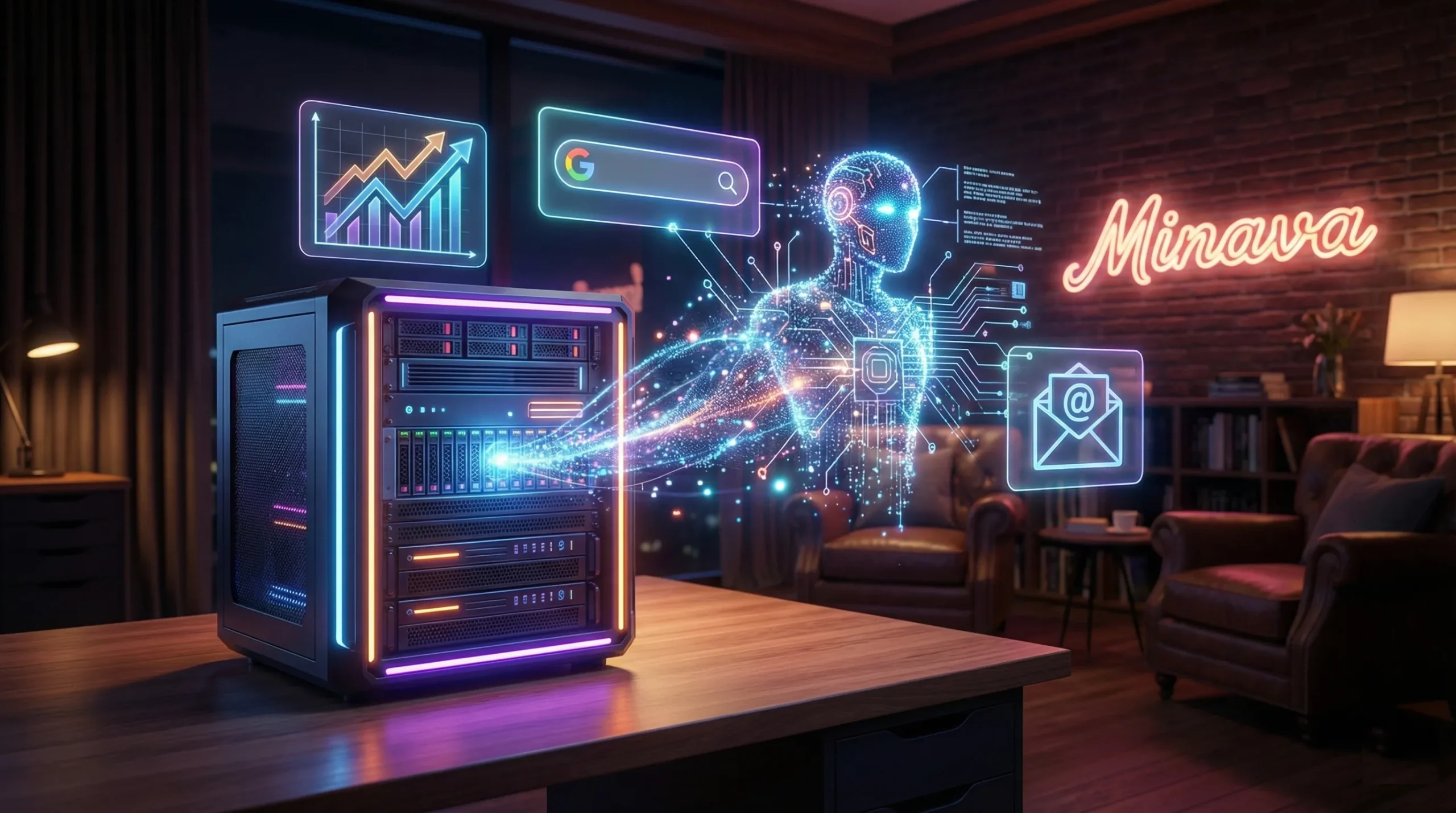
Step 1: Setting the Stage – Your Workflow Trigger
Every automation needs a starting point, and that’s called a Trigger. It’s the event that kicks off your workflow. Since we want a weekly update, our trigger will be based on a schedule.
- In your n8n canvas, click the ‘+’ button and search for the “Schedule” trigger.
- Set the interval to “Weeks” and choose the day and time you want to receive your update (e.g., every Sunday at noon).
That’s it! Now your workflow has a heartbeat and knows when to run.
Step 2: Creating the Brain – The N8N AI Agent Node
This is the core of our setup. The AI Agent node is where all the thinking happens. Add a new node by clicking the ‘+’ and search for “AI Agent.” Inside, we’ll configure three key components:
- The Model: This is the AI brain itself. We’ll use OpenAI‘s model. You’ll need to create a credential by pasting in your OpenAI API key. Pro Tip: Unlike ChatGPT’s monthly subscription, the API works on a pay-as-you-go basis with tokens. It’s super cheap, and you only pay for what you use. Just make sure to add a few dollars of credit to your OpenAI account.
- The Memory: Ever talked to a chatbot that forgets everything you just said? Annoying, right? The memory component solves this. We’ll add “Simple Memory” so our agent can remember past interactions within the same conversation, making it much more consistent.
- The Tools: An AI model can think, but it can’t interact with the real world without tools. It’s like giving your agent superpowers! Since we need stock market news and a quote, we’ll give it the ability to search Google. We’ll use the SerpApi tool for this, which also requires a quick API key setup.
Once these are connected, your agent can think, remember, and search the web. You can now officially build a custom AI agent with n8n that has real capabilities!
Step 3: Giving Instructions – Prompting Your Agent
An agent without instructions is like an employee on their first day with no job description—clueless! We need to give it a clear, detailed prompt so it knows exactly what to do.
In the AI Agent node, under the “User Message” section, we’ll write our prompt. Here’s a version inspired by the video:
"You are a Weekly Brief Agent. You take a quote of the week and the current S&P 500 overview and format them into a short, reliable weekly briefing. You will find one quote of the week, a simple summary of how the S&P 500 moved, and a one-sentence takeaway for the reader. Use the current date: [drag in the 'readable date' from the input data here]. Format it like a mini email newsletter in Markdown."
The part in brackets is super powerful. N8N lets you drag-and-drop dynamic data directly into your prompt, so the date will automatically update every week. You set it once and forget it!
Step 4: From Messy Markdown to Pretty HTML
When the AI agent returns its response, it will be in raw Markdown text, which looks messy in an email. We need to clean it up. This is a two-part process that really shows the power of n8n AI workflow automation.
- Part 1: Convert to HTML. Add a new node called “Markdown to HTML.” Connect the output from your AI agent to this node. It will instantly translate the Markdown into basic HTML, the language emails understand.
- Part 2: Make it Beautiful. The basic HTML is functional but ugly. Let’s use AI to style it! Add another OpenAI Model node (not an agent node this time). Give it a “System” prompt like:
"Make the HTML below look better using inline CSS styling for an email. Make it look like a pretty newsletter. Output only the results without any headers or other elements."Then, in the “User” message, insert the HTML output from the previous step.
This is a pro-level move. We’re using AI not just to gather information, but also to handle the design and formatting! This is far more advanced than what you can do with a simple no-code AI agent builder alone.
Step 5: Taking Action – Sending the Email with Gmail
Our beautifully formatted content is ready. The final step is to actually send it. Add a “Gmail” node and select “Send a message.”
Connecting your Gmail account requires a one-time setup in the Google Cloud Platform to create credentials. It involves a few steps like creating a project and enabling the Gmail API, but n8n’s documentation guides you through it perfectly. Once connected, you can:
- Set the recipient’s email address (yours!).
- Create a subject line (you can even drag in the date here, too!).
- In the message body, insert the final, styled HTML output from our AI styling node.
Now, execute the workflow to test it. If everything is set up correctly, you’ll see a gorgeous, formatted email in your inbox with the S&P 500 summary and a motivational quote. The last thing to do is save your workflow and toggle it to “Active.” Your agent is now live and will run automatically every week!
The Power Is Yours: What Else Can You Build?
You’ve just learned how to self-host an n8n AI agent. What we built is just the tip of the iceberg. Because you’re self-hosting with no limits, you can get really creative. Imagine building agents that:
- Monitor websites for changes and summarize them for you.
- Automate your social media by finding relevant news and drafting posts.
- Function as a research assistant, gathering data from multiple sources for your projects.
- Create a powerful AI SEO content workflow by researching keywords and outlining articles.
- Connect to messaging apps, just like you can build a Telegram bot with ChatGPT, to send you personalized notifications.
This is the true freedom of self-hosting. Your agents can run as often as needed, handle complex tasks, and remain completely private and under your control.
Key Takeaways: Your Quick-Start Guide to N8N AI Agents
Feeling overwhelmed? Don’t be! Here are the most important points to remember:
- Self-Hosting is King: For building powerful AI agents, self-hosting n8n beats the cloud version with no limits, better speed, and full data privacy.
- Setup is Easy: Using a service like Hostinger with a one-click n8n install makes the setup process painless, even for non-techies.
- The AI Agent Node is Your Brain: This is where you combine a language model (like OpenAI), memory, and tools (like Google Search) to give your agent its abilities.
- Prompts are Everything: A clear, detailed prompt is like a perfect job description. It tells your agent exactly what to do.
- Chain Your Nodes: The real power of n8n is connecting different nodes. We used an AI agent to get data, a converter to change its format, another AI to style it, and a Gmail node to send it.
By learning to self-host an n8n AI agent, you’ve unlocked a skill that can save you countless hours. The world of n8n AI workflow automation is at your fingertips. The only limit is your imagination. What repetitive task in your life are you going to automate first?
What do you think? What kind of AI agent would be a game-changer for you? Drop your ideas in the comments below! If you found this guide helpful, please share it with a friend who needs to level up their automation game. And don’t forget to check out our other articles on building with AI!
Frequently Asked Questions (FAQ)
1. Is it truly free to self-host n8n?
Yes, the n8n community software is free under a fair-code license. You can download and run it on your own server without paying for the software itself. Your only cost is the server you run it on, which with a VPS from a provider like Hostinger, can be very affordable—often much cheaper than a comparable cloud plan, especially with high usage.
2. Do I need to be a coder to build a custom AI agent with n8n?
Absolutely not! N8N is a low-code platform. While knowing some code (like JavaScript) can unlock even more advanced features, you can build incredibly complex workflows, including the entire AI agent we built in this tutorial, using only the visual, node-based interface. It’s all about dragging, dropping, and connecting the dots.
3. How much does it cost to run the AI models like OpenAI?
The cost is surprisingly low. OpenAI’s API uses a token-based, pay-as-you-go pricing model. A token is like a piece of a word. For a task like our weekly email summary, which involves a few searches and generating a few hundred words, the cost would likely be a fraction of a cent per execution. You could run this workflow weekly for a month for less than the price of a coffee.
4. Can I use other AI models besides OpenAI in n8n?
Yes! That’s a huge advantage of n8n. The platform supports a wide variety of AI models and platforms, including open-source models through tools like Ollama, as well as services from Google (Gemini), Anthropic (Claude), and others. This gives you the flexibility to choose the best—or most cost-effective—model for your specific task.