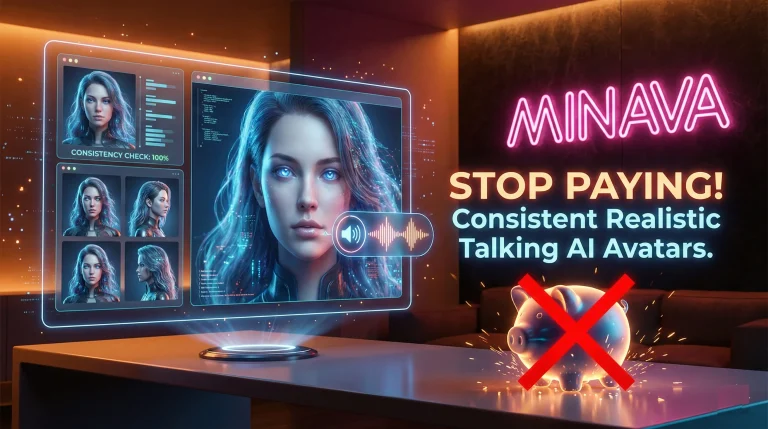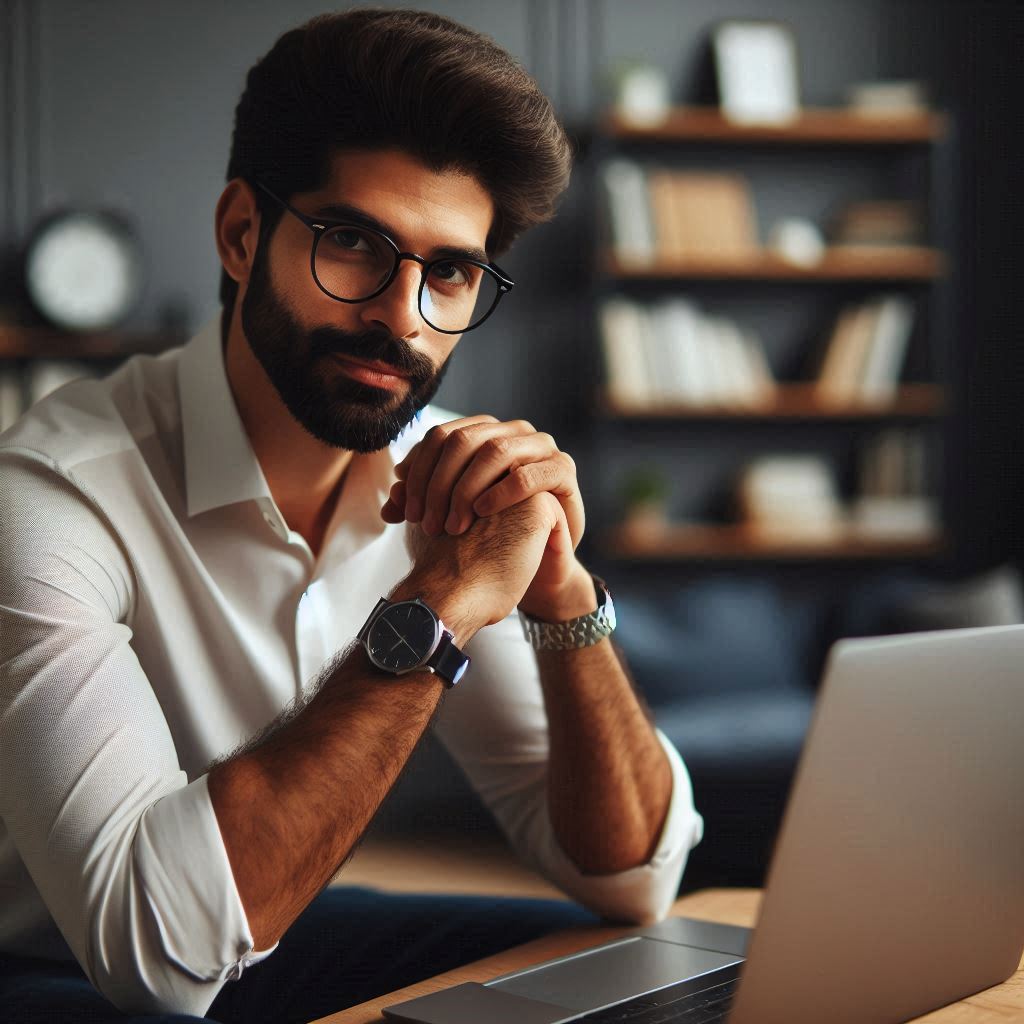
Welcome to the only guide you’ll ever need on how to create a consistent AI avatar that looks and sounds shockingly real. Forget those expensive courses promising secret techniques; we’re spilling all the beans right here at Minava.org. If you’ve ever tried generating an AI character, you know the frustration: one image looks great, but the next one looks like a distant cousin. Today, we’re ending that. We’ll walk you through a complete AI character generation workflow, from brainstorming a viral look to making your creation talk, all based on a state-of-the-art process that professionals use. Ready to build your digital influencer without spending a dime?
The Foundation: Why a Strong Source Image is Your Golden Ticket
Before we dive into the nitty-gritty, let’s get one thing straight. In the world of AI image generation, your initial prompt is important, but what’s more important? Your source image. Think of it as the DNA of your avatar. A blurry or generic source image will only lead to inconsistent and fake-looking results down the line. To achieve hyper-realism, you need a foundational image with raw skin texture, perfect lighting, and incredible detail. This is the cornerstone of learning how to create a consistent AI avatar that doesn’t scream “I was made by a robot.”
So, where do you get an image this good? The tutorial we analyzed uses a powerful tool called Kora Pro, which excels at creating these “low-fidelity,” high-resolution images that look like they were snapped with a real camera. The goal is to create a base that’s so good, every subsequent generation can maintain that level of realism.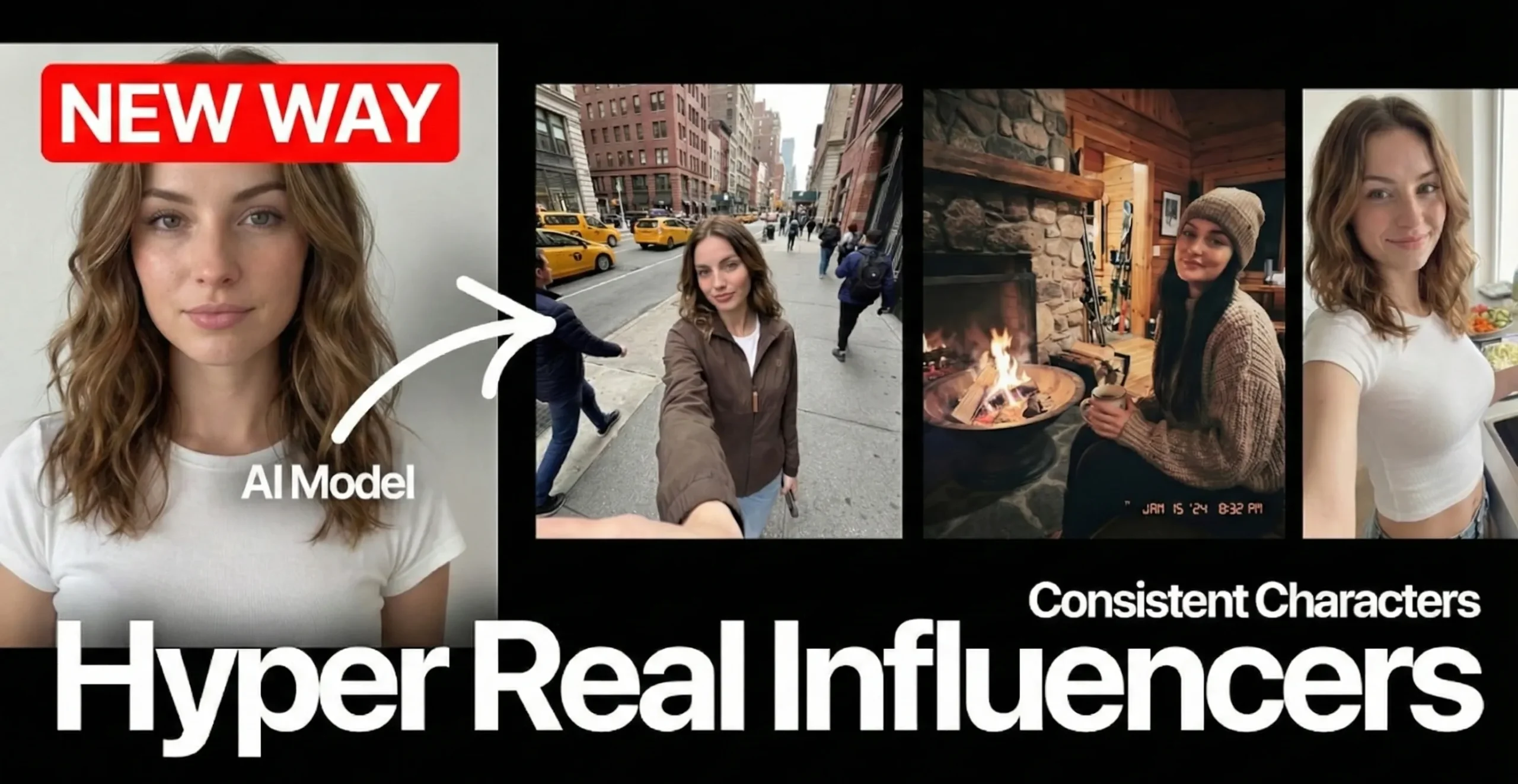
Your Step-by-Step AI Character Generation Workflow
Alright, let’s get our hands dirty. This workflow breaks down the complex process into simple, manageable steps. Follow along, and you’ll have your very own consistent AI avatar in no time.
Step 1: Brainstorming Your Viral Persona with ChatGPT
Staring at a blank page? Don’t worry, we’ve all been there. Instead of guessing, let’s use AI to help us brainstorm. The trick is to ask ChatGPT to define a character with the potential to go viral, inspired by successful creators. But here’s the secret sauce: ask it to produce a prompt for a “low-fidelity photo” shot against a clean background.
Pro Tip: Use the phrase “amateur photo camera style” in your prompt. If you use “iPhone,” the AI often generates an image of someone holding an iPhone. Sneaky, right?
Here’s a sample prompt structure you can give to ChatGPT:
- Define a [male/female] character whose appearance feels instantly viral, inspired by top creators.
- After the description, produce a low-fidelity photo prompt of that character against a clean white background.
- The style should be simple, minimal, and shot in an “amateur photo camera style.”
Step 2: Generating and Refining Your Base Model
Once you have your prompt from ChatGPT, it’s time to generate the image. Using a tool like Kora Pro, paste in the prompt and generate a few options. Don’t just stop at one! Generate full-body or medium shots, but also create close-up photos. Why? Close-ups give you more facial details and skin texture, which are crucial for the next steps in this AI character generation workflow. The more detail the AI has to work with, the more consistent your future images will be.
Step 3: Building a Consistent Character Sheet with Nano Banana Pro
Okay, you have a stunning source image. Now what? We need to create a “character sheet” to understand what your avatar looks like from different angles and in various settings. This is where a tool like Nano Banana Pro comes in. You can upload your source image and ask it to:
- Create a 360-degree character rotation.
- Generate “Instagrammable” photos of your avatar doing things (e.g., cooking, walking down the street).
- Produce high-end studio photos for different contexts.
This step is essential for establishing consistency across different poses and environments. If you want to learn more about this tool, check out our detailed review of Nano Banana Pro.
Step 4: The Secret Weapon: Enhancing Skin Realism Before You Generate More
This is the step that separates the amateurs from the pros. Before you start creating a hundred different images of your avatar, you need to perfect the source image’s skin. Why? Because tools like Nano Banana Pro will copy the details—or lack thereof—from your source image.
Using a feature like “Enhancer V3 Skin Fix,” you can add realistic imperfections. Seriously. You can add freckles or enable a “hyper-realism” mode to add subtle pimples, pores, and better lighting definition. By doing this once to your main source image, you ensure that all future generations carry that same insane level of detail. It’s a game-changer for anyone serious about how to create a consistent AI avatar.
Bringing Your Creation to Life: A Realistic Talking AI Avatar Tutorial
An image is great, but a talking avatar is next-level. This is where we bring everything together. The final phase is lip-syncing, which can be done with a few different tools, each with its own pros and cons.
To get started, you’ll need an audio clip. You can either record your own voice or use an AI voice generator like the popular 11Labs to create a custom voice for your character.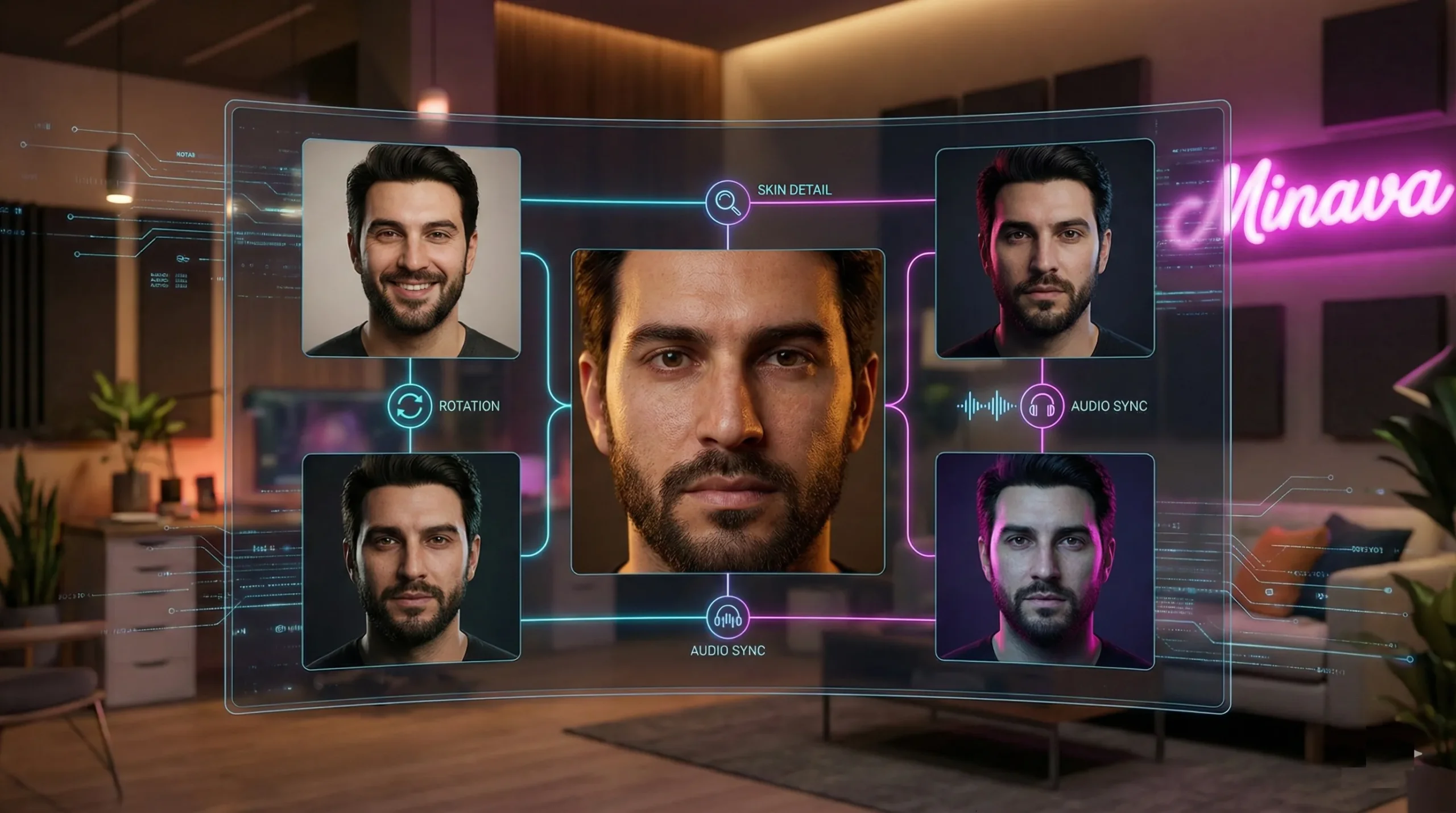
Choosing Your Lip-Syncing Tool
Here’s a quick breakdown of the options presented in the tutorial:
- VO 3.1 (Text-to-Video): This tool is incredibly simple. You just type in what you want your avatar to say, and it generates a high-quality, lip-synced video. The downside? You can’t upload your own audio file. It’s perfect for quick, high-quality clips when you don’t have a specific voice in mind.
- Enhancer V1 or V2 (Audio-to-Video): These models are for when you have a specific audio file you want to use (like one from 11Labs or your own recording). You upload your source image and your audio file, and it syncs the lips to the sound. This gives you maximum control over the voice and personality of your avatar.
By experimenting with these, you can complete your realistic talking AI avatar tutorial and have a fully animated character ready for social media, brand promotions, or any other project you can dream up.
Quick Recap: Your Workflow for a Perfect AI Avatar
Let’s boil it all down. Here is the entire process from start to finish:
- Ideate: Use ChatGPT to create a viral character concept and a “low-fidelity” photo prompt.
- Generate: Use a hyper-realistic image generator like Kora Pro to create your base image, including close-ups.
- Refine: Enhance the source image with realistic skin textures and imperfections *before* moving on. This is the most crucial step for consistency.
- Expand: Use a consistency-focused tool like Nano Banana Pro to create a character sheet with different angles and scenes.
- Animate: Bring your avatar to life using a lip-syncing tool, either with text-to-video or by uploading your own custom audio file.
And there you have it! You now possess the knowledge of a complete AI character generation workflow. The power to create without limits is officially in your hands. This isn’t just about making cool pictures; it’s about building entire digital personas and intellectual property. If you found this guide on how to create a consistent AI avatar helpful, please share it with a friend! We’d love to see what you create, so drop a link to your AI avatar in the comments below.
Looking for more ways to level up your creative game? Check out our articles on designing characters with Gemini AI or discover the best free AI tools available today.
Frequently Asked Questions (FAQ)
1. What is the most important step for creating a consistent AI avatar?
The single most important step is creating and refining a high-quality source image. An image with hyper-realistic details, especially skin texture, serves as a strong foundation. Enhancing this image before generating variations ensures that consistency is maintained across all future outputs.
2. Can I use my own voice for my talking AI avatar?
Absolutely! To use your own voice, you’ll need to record an audio file and then use an AI lip-syncing tool that allows audio uploads (like Enhancer V1 or V2 mentioned in the tutorial). This gives you full control over your avatar’s voice and personality.
3. Why does my AI character’s face look different in every image I generate?
This common problem, known as lack of consistency, usually happens for two reasons: a weak or generic source image, or using a tool not designed for character consistency. Following a strict AI character generation workflow that uses a strong base image and tools like Nano Banana Pro, which are built to reference that image heavily, will solve this issue.
4. Are the tools mentioned in this realistic talking AI avatar tutorial completely free?
Many of the powerful AI tools mentioned operate on a “freemium” model. This means they offer a generous number of free credits or a free tier that is sufficient for getting started and creating high-quality results. However, for heavy usage or access to the most advanced features, a paid subscription might be necessary.